Export NotebookLM outputs into the formats you actually use.
Turn chats, quizzes, flashcards, mindmaps, notes, reports, source details, data tables, slide decks, infographics, and video overviews into clean files for studying, sharing, or archiving in seconds.
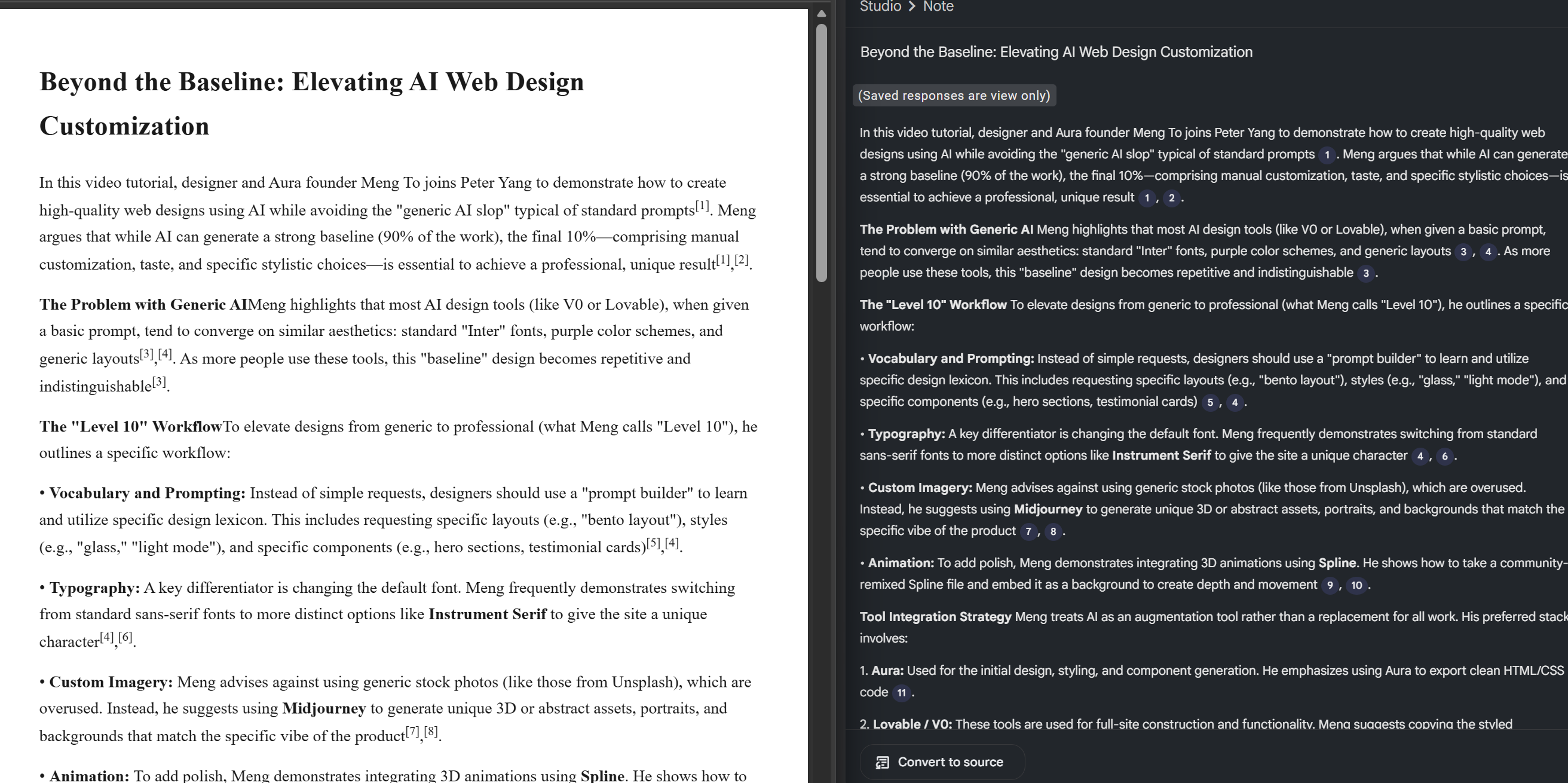
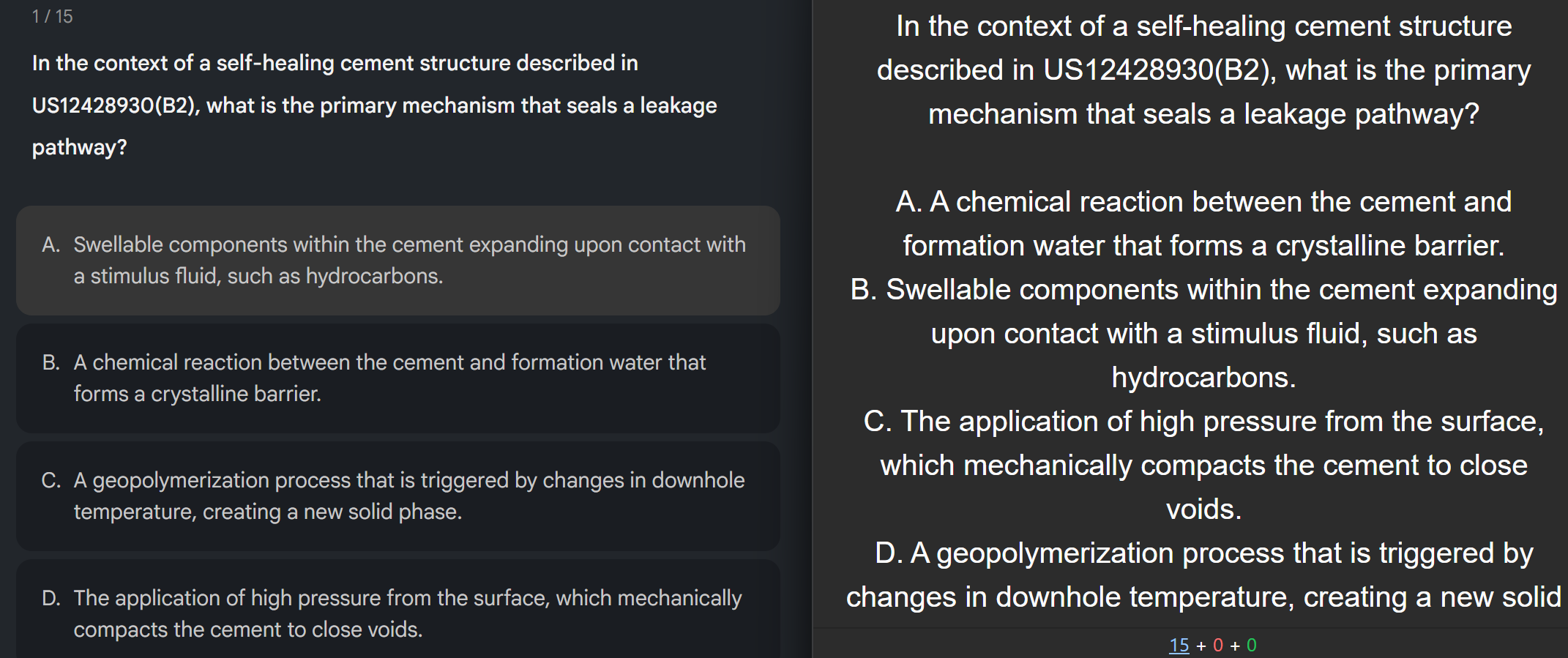
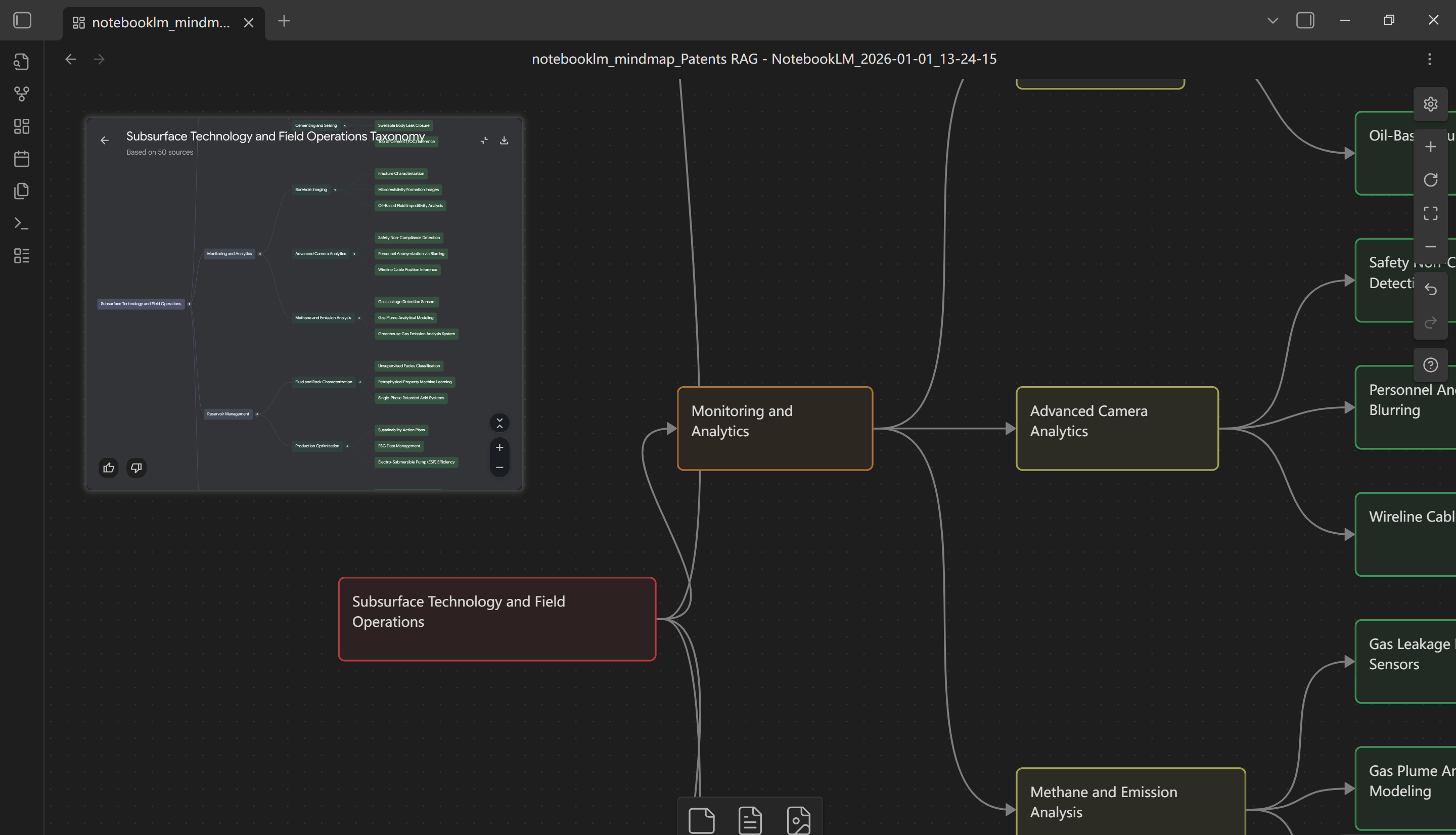
Built for real export workflows
Everything you need to move NotebookLM content into your toolchain.
Multi-format output
Export chats, quizzes, flashcards, mindmaps, notes, reports, source details, data tables, slide decks, infographics, and video overviews to CSV, JSON, HTML, Anki, Word, PDF, PPTX, MP4, SVG, Markdown, OPML, FreeMind (.mm), JSONCanvas, and ZIP bundles.
Structure preserved
Headers, answers, and hierarchies are normalized so downstream tools ingest cleanly.
Fast capture
Run exports directly in the browser, or copy Markdown straight to your clipboard.
Plus-ready formats
Unlock advanced mindmap, note, chat, source detail, and video overview frame exports with a Plus subscription when you need deeper workflows.
Drive + Notion delivery
Send exports straight to Google Drive or a Notion database (Plus). Access is requested only when you connect each destination.
How it works
Three steps from NotebookLM to your files.
Navigate to a chat, quiz, flashcard set, mindmap, note, report, source detail, data table, slide deck, infographic, or video overview.
Select CSV, Anki, Markdown, PDF, PowerPoint or Clipboard for quick pasting.
Your file saves locally or goes to Google Drive or Notion with clean filenames and timestamps. We prefill your Google account when connecting Drive to reduce mismatches.
Formats you can ship today
Export once, use everywhere.
Pricing that grows with your workflow
Start free, log in when you need advanced exports, then upgrade after your trials.
Free
No login$0 / forever
- Core exports available immediately
- Works without creating an account
- Perfect for quick captures and sharing
Advanced formats unlock after login with trials.
Plus
Most popular$2.99 / month
- Login to access advanced exports
- Includes a limited number of trials after signup
- Subscribe after trials to keep advanced exports
- Export to Google Drive and Notion
- Checkout managed securely by creem.io
FAQ
Is my data stored?
Exports are generated in your browser. Files are saved locally unless you send them to Google Drive or Notion.
Is this open source?
Yes. NotebookLM ExportKit is open source and licensed under the GNU Affero General Public License v3.0 (AGPLv3). View the repo on GitHub.
How do trials and billing work?
Advanced exports require login and include a limited number of trials. After trials are used, a $2.99/month subscription keeps advanced exports available.
Which browsers are supported?
Chrome is the primary target. Edge and Firefox builds are planned.
Does this work on any NotebookLM content?
Supported today: chats, quizzes, flashcards, mindmaps, notes, reports, source details, data tables, slide decks, infographics, and video overviews.